
Commercial Security Camera Monitoring Checklist: 15 Essentials Every Business Should Review
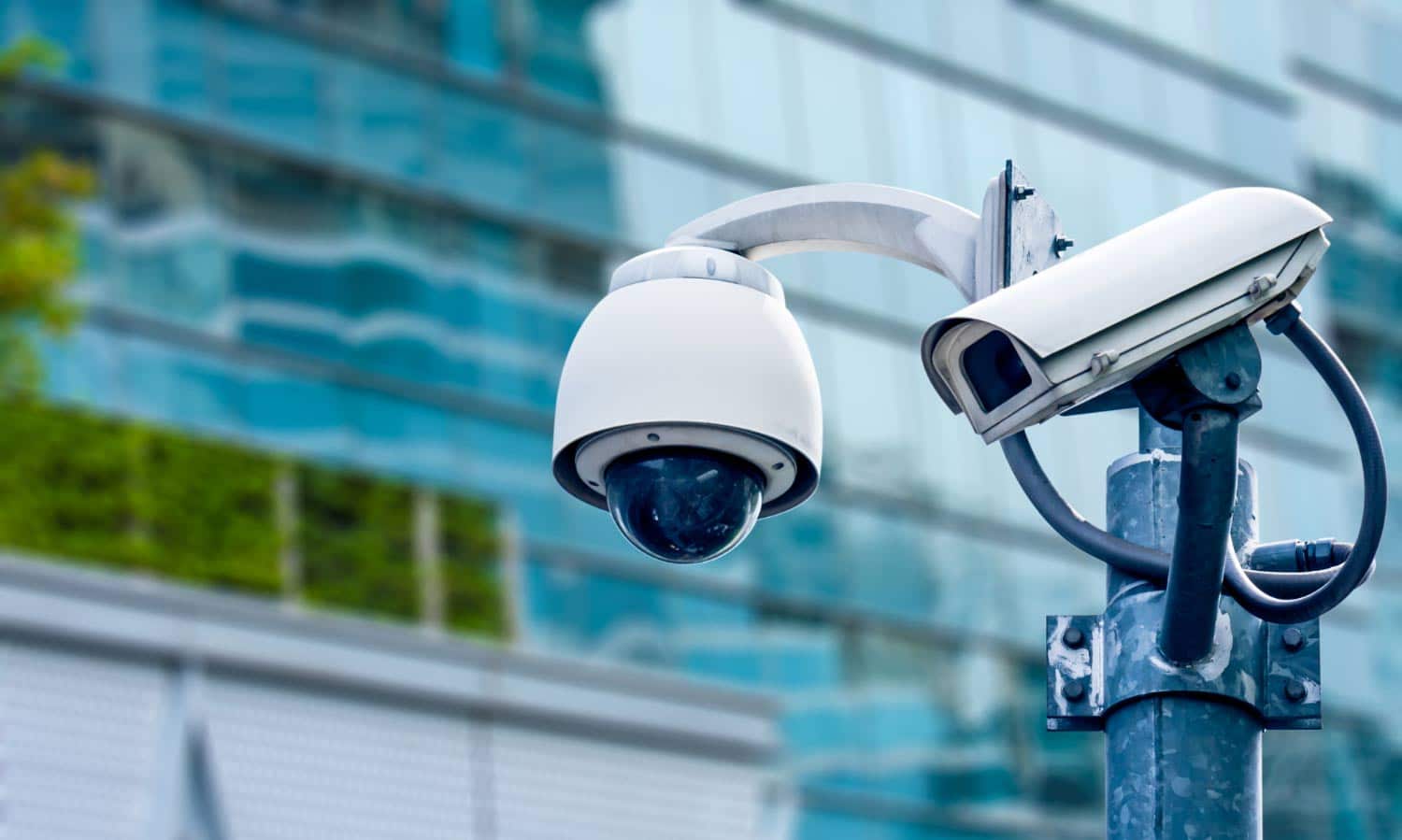
Many commercial operations across Massachusetts operate under a false sense of security. They walk through their facilities, see security cameras mounted on the walls, and assume their assets, employees, and inventory are fully protected.
However, simply having hardware installed does not mean your business is secure. Over time, physical layouts change, equipment ages, and new operational risks emerge.
An effective commercial security strategy requires more than just mounting lenses to a ceiling. It demands meticulous planning across camera placement, lighting conditions, storage retention, real-time threat verification, and immediate incident response protocols. If your current cameras are only recording video to a local drive without active oversight, your business remains exposed to unmitigated risks. This comprehensive commercial security camera monitoring checklist is designed to help property owners, operations directors, and facility managers evaluate their existing defenses and identify hidden vulnerabilities before they lead to costly incidents.
Why Every Business Needs a Security Monitoring Checklist
Security infrastructure is not a set-it-and-forget-it asset. As your business grows and adapts, your security needs change, which can make older system designs less effective.
- Physical Adjustments: Remodeling a retail floor, changing warehouse racking layouts, or moving office partitions can instantly create hidden blind spots that original camera layouts never accounted for.
- Hardware and Software Aging: Lenses degrade over time due to dust and environmental exposure, wires weaken, and outdated firmware can leave your network vulnerable to cybersecurity risks.
- Operational Shifts: Changing your operating hours, adjusting staff schedules, or experiencing local changes in property crime rates can create new risks that require updated security settings.
Reviewing your security setup at least once a year helps you find and fix system weaknesses early. This proactive approach ensures your security investment continues to protect your business profits, lower insurance liabilities, and keep your team safe.
The Complete Commercial Security Camera Monitoring Checklist
Review these 15 essential points to evaluate your current commercial security camera setup and determine if your business is truly protected against modern operational risks.
1. Are all primary entrances and exits fully covered?
Your main doors, emergency exits, and employee entry points are the primary pathways for both authorized visitors and potential intruders. Ensure every entry point has high-definition, dedicated camera coverage that captures clear facial profiles of anyone entering or leaving the building.
2. Are exterior parking lots and structures actively monitored?
Parking lots and garages are often the most vulnerable areas of a commercial property, making them frequent targets for vehicle break-ins, catalytic converter thefts, and loitering. Wide-angle, low-light cameras must cover these expanses to protect visitors, staff, and parked vehicles at all hours.
3. Are loading docks and shipping bays protected?
Loading docks see constant movement of high-value inventory, external delivery drivers, and transit equipment, making them common areas for cargo theft and logistical errors. Lenses should be positioned to track staging areas, overhead bay doors, and trailer license plates clearly.
4. Are high-value inventory and cash-handling areas clearly visible?
Whether it is a retail cash wrap, a bank vault room, a secure server farm, or a cage filled with high-value electronics, your highest-risk assets require dedicated, continuous oversight. High-resolution cameras help prevent internal shrinkage, verify register transactions, and provide clear evidence if a theft occurs.
5. Do cameras record clear, high-definition footage at night?
Crimes frequently occur under the cover of darkness. If your exterior cameras produce grainy, pixelated, or dark video once the sun goes down, they cannot provide actionable evidence or support real-time threat verification. Systems must leverage true infrared night vision or low-light color technology to stay effective.
6. Have you checked the property for new physical blind spots?
Walk your facility regularly to ensure that new inventory stacks, grown landscaping, temporary structural additions, or rearranged machinery are not blocking your cameras’ fields of view. A single unmonitored blind spot gives intruders a safe place to bypass your defenses.
7. Are your security cameras monitored in real time?
This is a critical dividing line for commercial security. Traditional CCTV setups only record incidents, meaning you only review the footage after your business has already suffered a loss. Modern commercial security camera monitoring uses off-site live video monitoring to track threats as they develop, allowing for immediate action before damage occurs.
8. Are false alarms being verified before police dispatch?
Blowing debris, stray animals, or severe weather frequently trigger automated motion alerts. If your system continuously dispatches emergency services for false alarms, you risk facing expensive local municipal fines and slower police response times when a real emergency happens. Live visual verification ensures authorities are only called for genuine threats.
9. Is there a documented, step-by-step incident response plan?
When an intrusion occurs at 2:00 AM, your system must do more than just send a generic mobile alert. There must be a clear, established protocol: Who is notified first? Is it a local facility manager, an on-site security guard, or local law enforcement? A documented response plan eliminates confusion and ensures fast coordination during a crisis.
10. Are employee-only zones and sensitive offices secured?
Internal security is just as important as perimeter defense. IT server rooms, executive offices, HR record storage, and pharmacy counters should have dedicated camera oversight to maintain strict access control, protect sensitive data, and monitor internal compliance.
11. Are visitors, contractors, and vendors tracked upon entry?
External service vendors, maintenance contractors, and delivery personnel often need access to secure areas of your property. Maintaining clear video logs of their arrival times, the specific zones they visit, and their departure times helps ensure operational accountability and protects against property damage claims.
12. Are video recordings stored securely with reliable backups?
If your on-site digital video recorder (DVR) or network video recorder (NVR) is kept in an unlocked utility closet, an intruder can simply steal or destroy the physical hardware to erase all evidence of their crime. Ensure your recording devices are kept in a secure, locked server rack and backed up to an encrypted cloud platform.
13. Is the camera system regularly maintained?
Like any technical infrastructure, security hardware requires consistent care. Lenses must be cleaned regularly to remove spiderwebs and dust, camera housing seals must be inspected for moisture, and software firmware must be updated to patch network vulnerabilities and maintain strong connectivity.
14. Can your existing cameras support remote live monitoring?
You do not necessarily need to purchase an entirely new equipment setup to get proactive protection. Many existing CCTV infrastructure networks, standard IP cameras, and modern NVR systems can be linked directly to an off-site monitoring center using secure network bridging software. This allows you to upgrade your security without taking on unnecessary equipment costs.
15. Is your security system proactively preventing crime—or just recording it?
This is the ultimate test of your security strategy. If your system’s only function is providing a video record of a break-in after it happened, it is not truly protecting your business operations. An effective security strategy should deter criminals, stop trespassers using live audio interventions, and actively protect your bottom line.
Common Mistakes Businesses Make
Even well-funded organizations often make simple errors when setting up and managing their commercial video surveillance platforms:
- Relying on Passive Post-Incident Recording: Treating security cameras like a digital diary rather than a proactive tool. Recording a theft provides evidence for an insurance claim, but it does not prevent the operational disruption and financial loss of the crime itself.
- Poor Visual Placement and Angle Choices: Mounting cameras too high up on walls or light poles. While this provides a wide view of a space, it often captures only the tops of hats and hoodies rather than clear, identifiable facial features.
- Leaving Systems Without After-Hours Oversight: Assuming that an empty building is safe simply because the doors are locked. Unmonitored properties give intruders plenty of time to find weaknesses and bypass physical locks.
- Failing to Adjust for Poor Ambient Lighting: Installing standard cameras in areas with dark shadows, unlit alleys, or bright backlighting, which can leave the resulting video dark and unusable.
- Neglecting System Maintenance and Firmware Updates: Letting dust accumulate on lenses or ignoring software updates, which can cause cameras to drop offline right when you need them most.
Who Should Use This Checklist?
Any organization responsible for managing physical facilities, high-value assets, or staff safety should use this checklist regularly:
- Logistics Hubs & Warehouses: Securing vast inventory floors, outdoor shipping lanes, and valuable cargo trailers.
- Retail Stores & Shopping Centers: Managing customer safety, preventing shoplifting, and monitoring cash wraps.
- Property Managers & Residential Plazas: Protecting apartment complexes, parking areas, and common tenant zones.
- Office Buildings & Corporate Parks: Managing employee access control, securing server rooms, and protecting parking structures.
- Hospitals & Healthcare Facilities: Safeguarding emergency entrances, pharmacy storage, and high-traffic public walkways.
- Manufacturing Plants & Industry Yards: Monitoring heavy equipment yards, loading bays, and high-risk production lines.
What Happens After the Checklist?
Once you finish reviewing this list, take a look at your answers. If you marked “No” or “Unsure” for more than a few items, your business likely has security gaps that leave your property vulnerable to theft, vandalism, or liability claims.
Document Your Current Weaknesses:
Step 1: Identify System Gaps.Note every point on the checklist where your system fell short, whether it is an unlit blind spot in a parking lot, an outdated recording storage setup, or a lack of real-time monitoring.
Schedule a Professional Assessment:
Step 2: Request an Audit.Partner with an experienced technical team to perform a detailed site audit. Professionals can map your property's specific vulnerabilities, test your network connectivity, and check your camera coverage.
Link Existing Hardware to Active Monitoring:
Step 3: Integrate and Connect.Instead of buying a completely new equipment setup, use secure network bridging software to connect your current operational IP or CCTV cameras straight to an off-site central monitoring network.
Activate Live Remote Oversight:
Step 4: Deploy Proactive Defenses.Turn your security into a proactive defense system. By adding intelligent threat detection, live specialist verification, and live audio interventions, you can stop trespassers before they can cause damage.
Frequently Asked Questions
1. How often should our business review our security camera checklist?
You should conduct a complete system review at least once a year. Additionally, run an inspection whenever you make physical layout changes, expand your operating hours, or update your facility’s infrastructure.
2. Do we need to buy completely new cameras to get live remote monitoring?
Not necessarily. One of the most efficient parts of modern remote surveillance is its flexibility. Using secure digital bridging tools, engineering teams can often connect your existing IP cameras, CCTV networks, NVRs, or DVR systems directly to an off-site monitoring center, saving you from expensive upfront equipment costs.
3. What is the main difference between traditional CCTV and live remote monitoring?
Traditional CCTV is entirely reactive—it simply records video to a hard drive, leaving you to review the footage after a crime has occurred. Live remote monitoring is proactive. It combines intelligent analytics with live human verification to spot and stop threats through audio warnings while the incident is happening.
4. Is remote video monitoring worth the cost for a mid-sized business?
Yes. When you compare it to the high, recurring cost of employing full-time on-site security guards to patrol your property, remote monitoring is highly cost-effective. It gives you continuous, wide-area visual coverage across your entire facility at a fraction of the cost of physical guard shifts.
Want to see how the costs compare? Read our detailed comparison: Remote Video Monitoring vs. Security Guards.
5. How many security cameras does a typical commercial facility need?
There is no single standard number. The right count depends entirely on your property’s total square footage, layout complexity, number of entry gates, and specific asset risks. A professional site assessment helps map your facility to ensure full coverage with no unnecessary hardware.
Final Thoughts
A commercial security camera system is only as effective as the strategy and oversight behind it. Having high-end hardware installed won’t protect your property if the cameras are only recording crimes rather than actively stopping them. Regularly reviewing your security setup helps you identify vulnerabilities before they turn into expensive losses. By upgrading your existing cameras with professional remote monitoring, you turn your passive video setup into a proactive defense network that keeps your business secure around the clock.
Request a Free Commercial Security Assessment
Ready to fix the blind spots in your property defense plan? Contact the technical team at EndOfTheft today to schedule a comprehensive, no-obligation security assessment. We will audit your current camera setup, identify potential coverage gaps, and show you how to upgrade to live, proactive remote monitoring using your existing infrastructure.